TL;DR
Create a board with AI → add tasks → search with Cmd+K → invite your team → connect GitHub or Slack. You’ll be productive in under 5 minutes.
5-minute setup
This guide gets you from zero to a working workspace. No prior Milestone experience needed.
Prerequisites: An account and access to a workspace. If you don’t have one yet, sign up and you’ll get a workspace automatically.
1. Create your first board
Click "+ New Board" in the sidebar → "Create with AI" → type something like "Simple project with To Do, In Progress, and Done" → Create. You’ll get a ready-to-use board.
2. Add a task
Click "+ Add task" in any column, type the task title, press Enter. That’s ityour first task is created.
3. Try Find Mode (search)
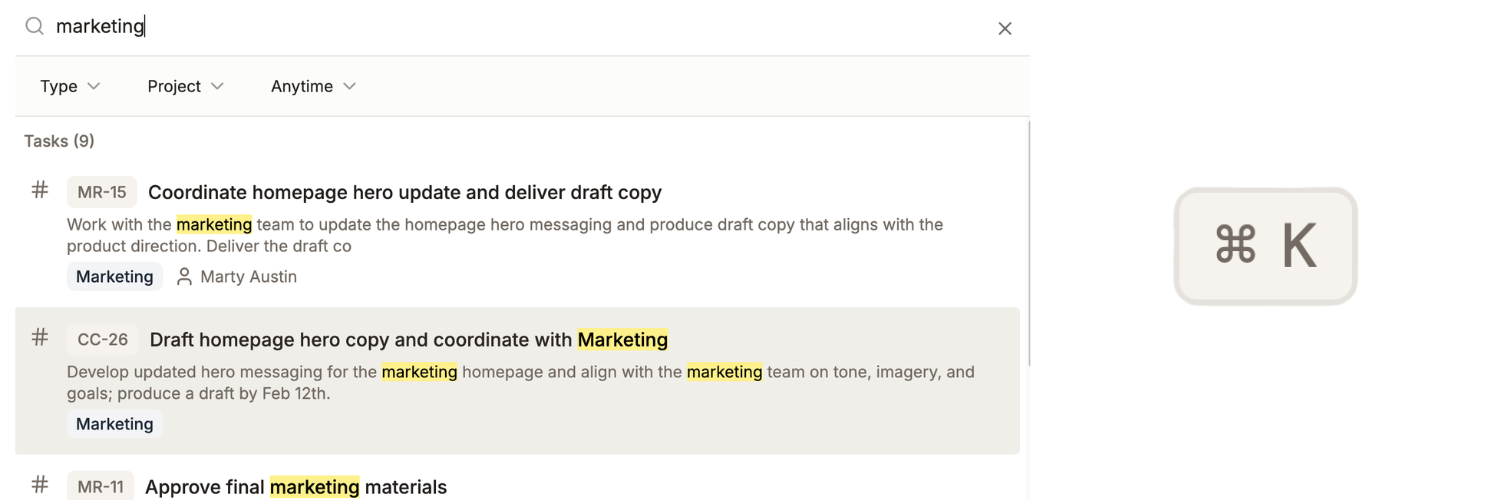
Press Cmd+K (Mac) or Ctrl+K (Windows). Type to search tasks, people, or docs. Press Enter to open a result. See Find Mode for more.
4. Invite your team
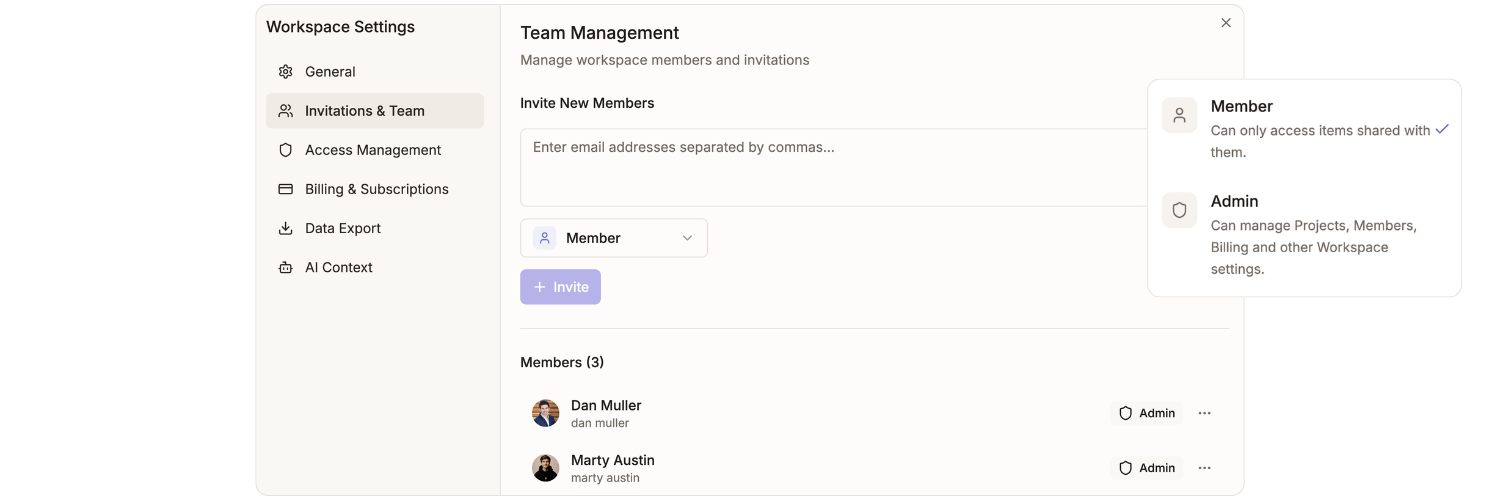
Settings → Members → Invite Members → enter emails → Send. Full guide.
5. Connect an integration (optional)
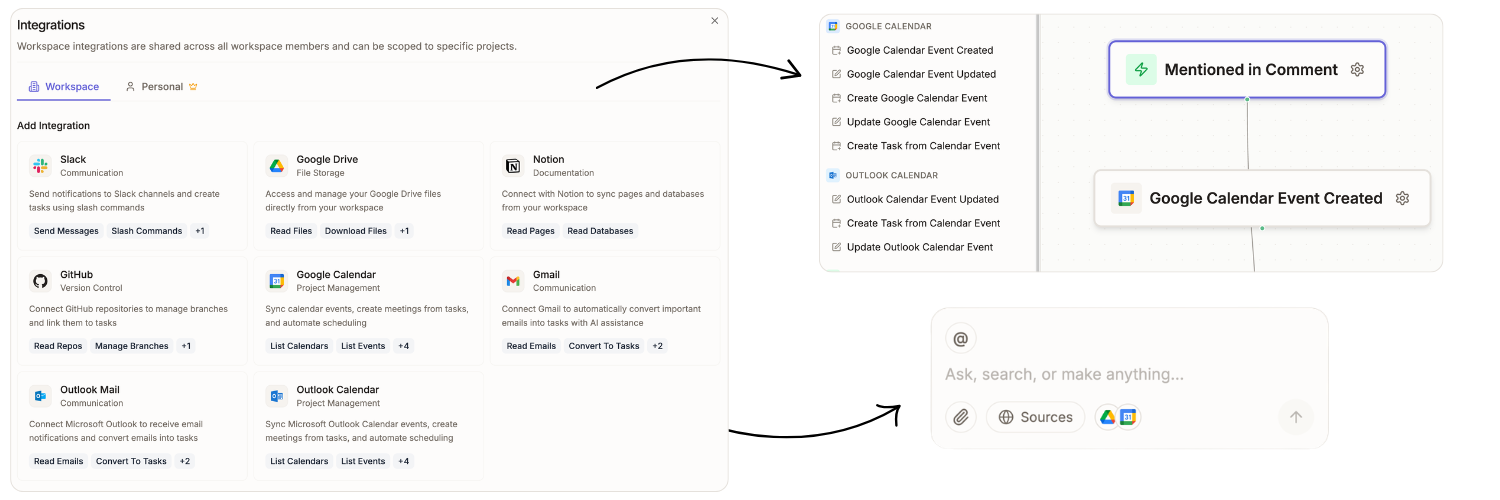
Settings → Integrations → Connect next to GitHub or Slack → follow the prompts. GitHub and Slack guides have details.